 Rundeck
A trackpad you can feel.
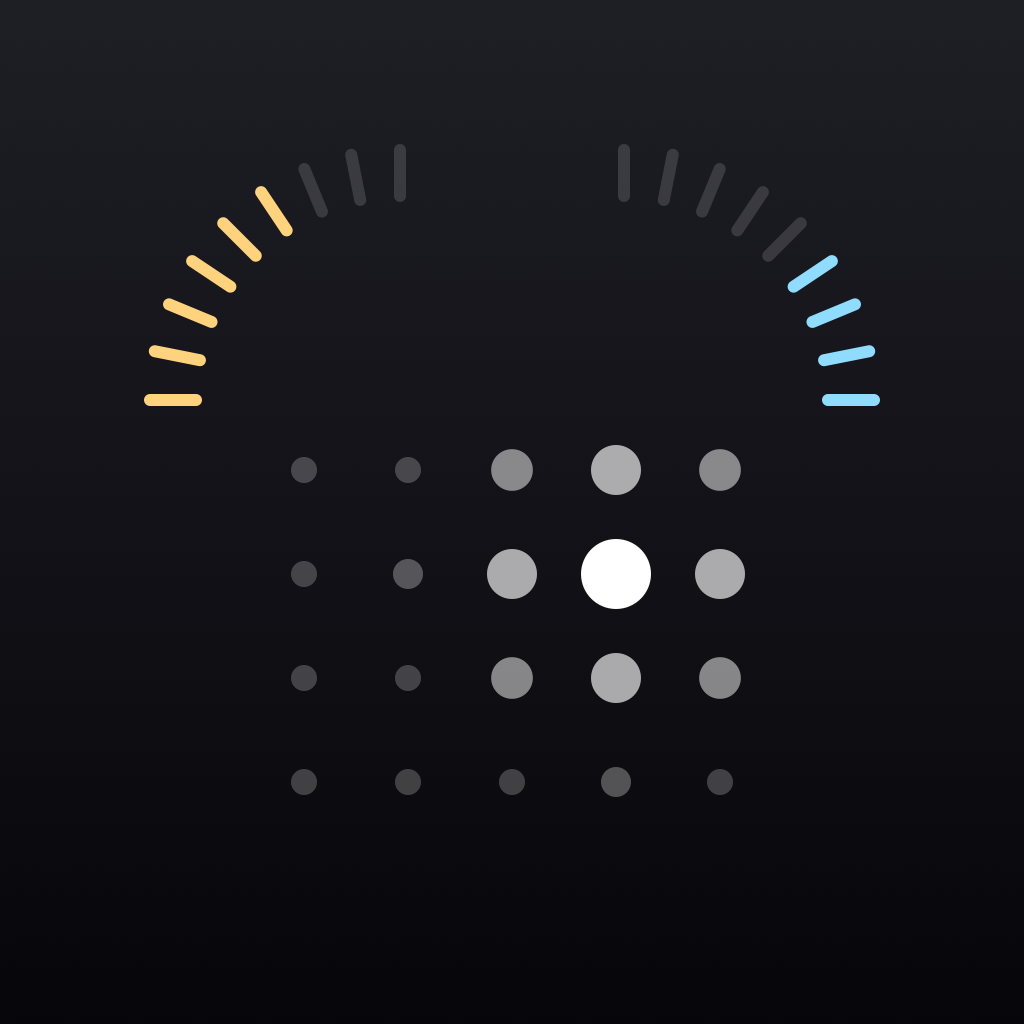
The dots lean toward your finger and the Taptic Engine gives the surface a grain that sharpens as you move faster. Two fingers scroll, and a two-finger tap is a right click.
A trackpad you can feel, every app one tap away, and the coding agents on your Mac answering to your phone. Move the pointer across this page to try the pad.
Pages on a scale
A scale runs along the bottom of the phone. Scrub it to change page, reorder the pages in Settings, or leave out the ones you do not use.
The dots lean toward your finger and the Taptic Engine gives the surface a grain that sharpens as you move faster. Two fingers scroll, and a two-finger tap is a right click.
Swipe across to change desktop. Swipe up for Mission Control and down for App Exposé, with a firm knock when it lands.
Open apps first, then everything else on the Mac. Tap to bring one forward or open it. Touch and hold to quit.
npx wrangler deploy
Claude Code and Codex sessions on your Mac, sorted by what needs you. Allow a command from the lock screen, confirm the risky ones with Face ID, and tell an agent what to do next.
A round glass follows the pointer on the Mac's own screen, for small targets from across the room.
Cover art, a scrubber that seeks, and the transport keys.
Two arcs in the corners by the camera, with detents that lighten as you sweep faster.
Set up in a minute
Download Rundeck for Mac and leave it running in the menu bar. It asks for Accessibility so your taps can move the pointer.
Open Rundeck on your iPhone and choose your Mac. Both screens show the same four digits. Allow it on the Mac.
That iPhone now has a key of its own. Remove it any time from the Mac's settings. Or skip all of this and try the demo first.
Stays between your devices